


- New

 Beveiligingsbeleid
(bewerken met de module Klantenverzekering)
 Leveringsbeleid
(bewerken met de module Klantenverzekering)
 Retourbeleid
(bewerken met de module Klantenverzekering)
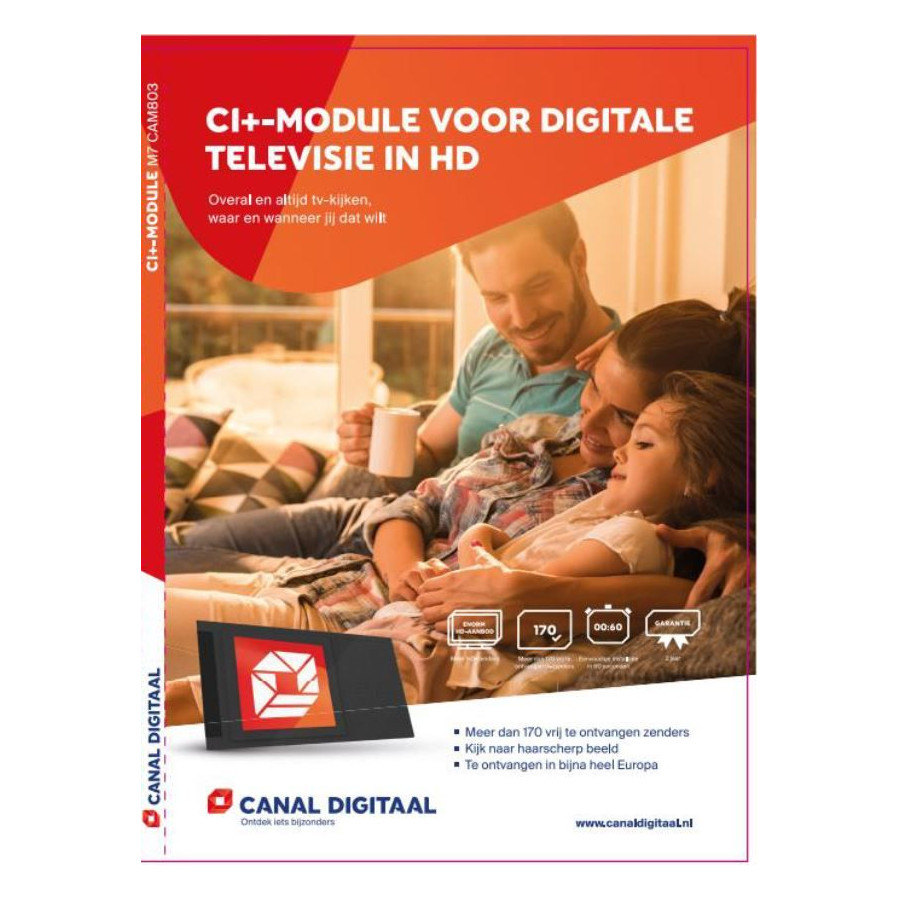
The CAM803 is the successor to the CAM701 and just like the CAM-701 has an integrated smart card. The CAM803 fits into a TV with CI + lock and in a satellite receiver with CI + slot.
CI + module stands for Common Interface + module and is nothing but a plug-in card for your television or satellite venager. In the CAM-803 CI + module, the Canal is integrated digital smart card. He cannot be removed and there is no other loose card in the module. To use this module you need a television or satellite receiver with built-in DVB-S2 tuner and CI + slot.
Necessities
To use the CAM803, you must have a TV or receiver about a satellite tuner and a common interface slot that supports CI + 1.3 or CI + 1.4. TVs or receivers with only a CI slot are not supported.
Placing CAM803
The front of the CAM803 module will recognize the sticker with the Canal logo digitally, this side place in the TV in the CI + lock, or upwards in the case of a CI + receiver. This can vary per TV and receiver, refer to the manual of your TV or receiver for the correct placement.
Installation:
1) If your TV or receiver is already configured for Canal digitally, follow these steps:
- Place the CAM803 in your TV or receiver
- In the menu for 'Exit', choose asked to load the Profile operator from the CAM
- Go to NPO 1 HD
- The signal becomes active within a few minutes.
2) Do you have a new TV or receiver, follow these steps:
- First configure your TV or receiver for Canal digitally. Follow the instruction from your TV or receiver.
- Then place the CAM803
- Go to NPO 1 HD
- The signal becomes active within a few minutes.
3) Does not support your TV or receiver by default the Canal Digital channel list, follow these steps:
- Place the CAM803 in your TV or receiver
- In the menu, choose the Profile operator to load the CAM, the channel list is now loaded via the CAM803 in the TV or receiver.
Parental supervision
- The age limit for the CAM803 is set to 18 years by default.
- The standard PIN code is '1234'
- Both settings are changes in the module menu
- Consult the TV manual to get to the CAM menu.
Coding
The CAM803 does not use a loose smart card and uses Nagra CAK8 coding
Dual Stream
The CAM803 supports a maximum of two channels at the same time.
Common problems
1) The CAM803 does not charge the operator profile (Error 12)
First install the television or decoder, then place the CAM803
Go to NPO1 HD so that the television or decode can retrieve the correct date and time from the satellite. Remove the CAM803 and place it again.
2) Transmitter list is not complete, missing channels when using the channel list via the CAM803
Reset your CAM803 in the CAM menu and reinstall the CAM803.